Assigning Note Attribute Values
Auxiliary note attributes may be defined in the Note Service for various purposes, including customized note filtering. Note attributes are first defined in the Note Service for an entire Note Service. Once they are defined, such attributes may have values assigned to them on a note-by-note basis. Only those attributes defined for the Note Service appear on the Attributes page of an individual note.
See also Defining Note Attributes.
To Assign Note Attribute Values
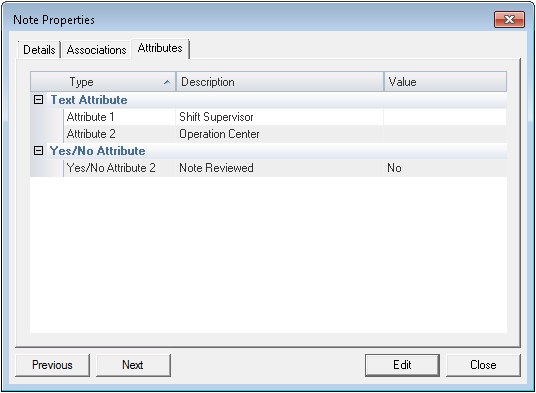
- Open the Create New Note or Note Properties dialog box and click the Attributes page. The Attributes page is blank if no note attributes have been defined for this Note Service. The following example shows an Attributes page with attributes that have been defined for this Note Service:
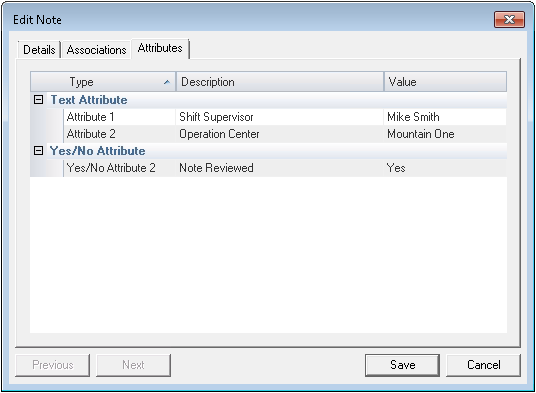
- For relevant attributes, enter a value in the attributes' Value field. Use the available choosers. Your dialog box might look something like this:
- Click Save to save and exit.